Barcodes
How to Get a Barcode for Your Product (Step by Step)
Get a GS1 company prefix, assign GTINs, create UPC or EAN barcodes, and print them correctly. What it costs and mistakes to avoid when selling in stores.
If you want your product on store shelves or major marketplaces, you need a barcode with a number that belongs to you. Here is the full process.
1. Join GS1 in your country
GS1 is the non-profit that manages product numbers worldwide. Apply through your local office (GS1 US, GS1 UK, GS1 India and so on). You receive a company prefix or individual GTINs. Fees depend on the country and how many products you need numbers for; check your local GS1 website for current prices.
2. Assign a number to each product variant
Each size, color and pack size needs its own GTIN. A red T-shirt in medium and the same shirt in large are two products with two numbers. Record them in the GS1 data portal along with the product description.
3. Create the barcode image
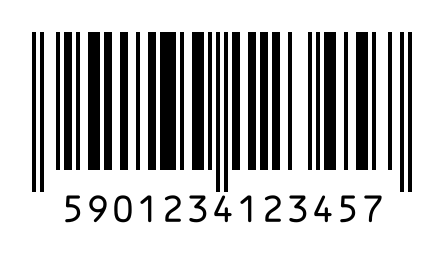
Use UPC-A for North America or EAN-13 elsewhere. Enter the number into the generator; the check digit is added automatically and the layout follows the GS1 standard.
4. Add it to your packaging
- Black bars on a white or very light background. Never red bars: laser scanners can't see red.
- Size between 80% and 200% of nominal (UPC-A nominal is about 37 × 26 mm).
- Keep clear margins on both sides.
- Place it on the back or bottom, away from seams, folds and tight curves.
5. Need a carton barcode too?
Warehouses and distributors often ask for an ITF-14 barcode on the outer shipping case. It is built from the product's GTIN plus a packaging indicator digit.
Make it yourself in under a minute
Open the generator
The EAN-13 barcode generator opens with the right code type already selected.
Enter your data
Type your number or text. Check digits are added automatically and invalid data is flagged.
Adjust the layout
Set bar height, quiet zone and whether to show the human-readable text.
Download and print
Download a PNG for free. Print black bars on white and keep the margins clear.